
Printer page
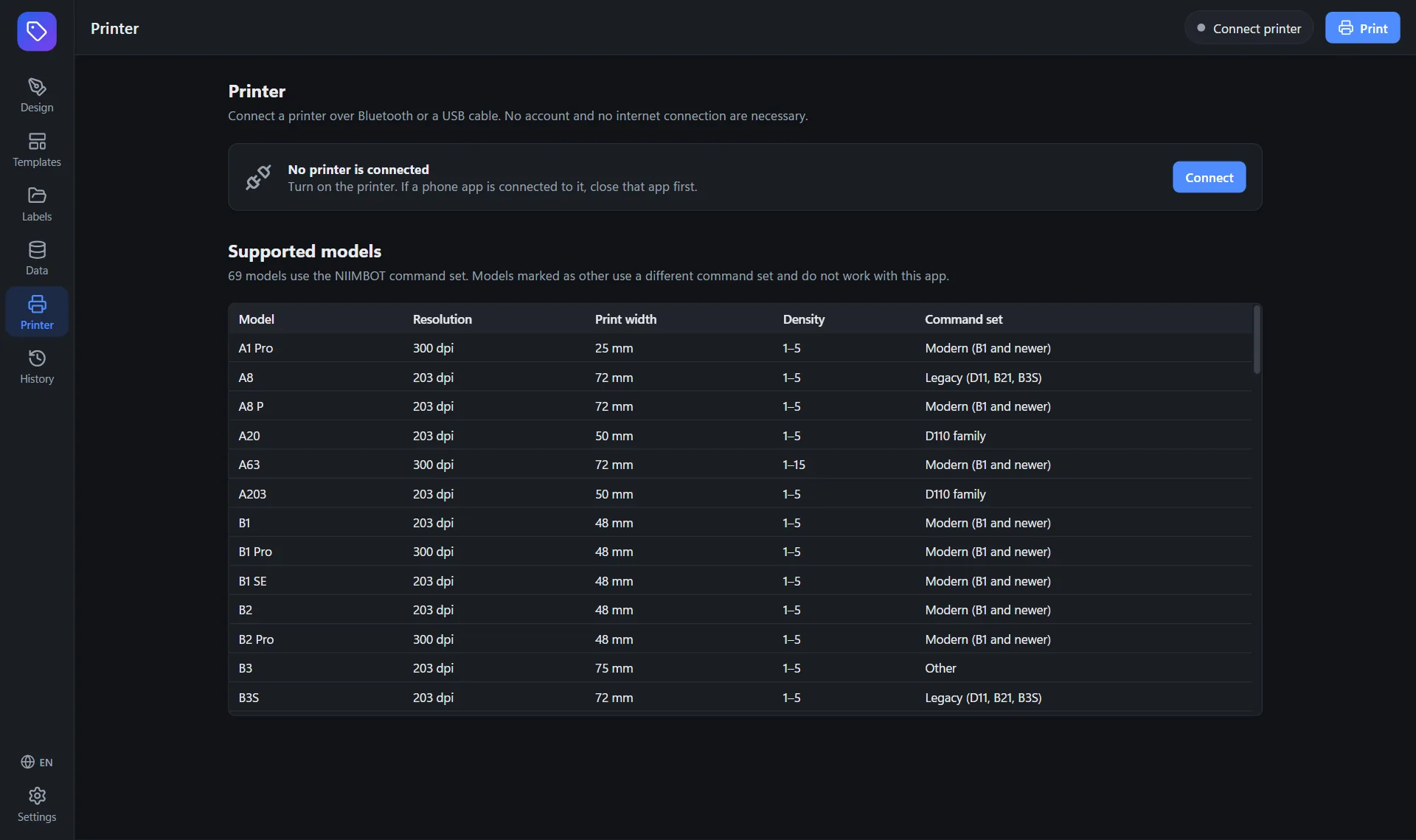
Click Printer in the side bar, or click the printer at the top of the window. With no printer connected, the page has a Connect button and the list of supported models.
Device
The model, the model ID that the printer reports, the firmware and hardware versions, the serial number, the Bluetooth address, the connection, the resolution, the print width, the density and the command set.
If the printer reports a model ID that is not in the model list, the page shows the ID. Select the nearest model in Settings and try each command set in the print dialog. Open an issue on GitHub with the ID so that the model can be added.
Status
The battery level, whether the cover is open, whether labels are loaded, whether the label tag was read, and the time of the last update. Click Refresh to read the details again.
Label roll
The size of the loaded roll (width × length) and where the size came from, the gap between labels, and the label type. For a genuine roll with an RFID tag, the page also shows the barcode, the roll serial, the labels on the roll, the labels used and the labels left.
- Detect the roll again: reads the roll again, for example after you change it.
- Forget the saved size: deletes the size that you saved for this roll.
Some printer firmware does not report the label size. Then select the size once in the design view and save it for the roll. See Label size detection.
Settings
- Turn off when idle after: 15, 30, 45 or 60 minutes.
- Sounds: turn the connection sound and the power sound on or off.
- Label position calibration: click Calibrate. The printer feeds a few labels to find the gap or the mark between labels. Do this if labels print in the wrong position.
Communication log
The log shows the packets that go to and from the printer. If a model does not print correctly, attach the log to a bug report on GitHub.
Disconnect
Click Disconnect to close the connection, for example to use the phone app.